Photo enhancement
Give a clear photo a cleaner setting that keeps the item in focus.
Give second-hand pieces a clean, considered setting. Upload a photo, choose a background and review the result before you list.
Choose a clear photo to create a cleaner image for your listing.
Choose a setting, then create your edited image.
AI editing sends your photo to OpenAI. It may change item details; review the result before listing.
Choose a setting before enhancing. Each generation uses a paid API request.
AI may change logos, condition and fit.
Creates a transparent PNG cutout and uses one enhancement.
Choose a setting above, then regenerate from your original photo. Each generation sends another image request.
Enhanced background selected.
Pro feature · Choose a background photo. The cutout is composited in your browser.
Private preview. Sign in to use the daily analysis allowance and monthly photo actions. Prices are proposed; Stripe checkout is not active.
See how a photo can look in a different setting. This example includes an additional AI refinement after the Listvint edit. Always compare details with your original before publishing.
Try it with your photoExample: Listvint edit with an additional AI garment refinement
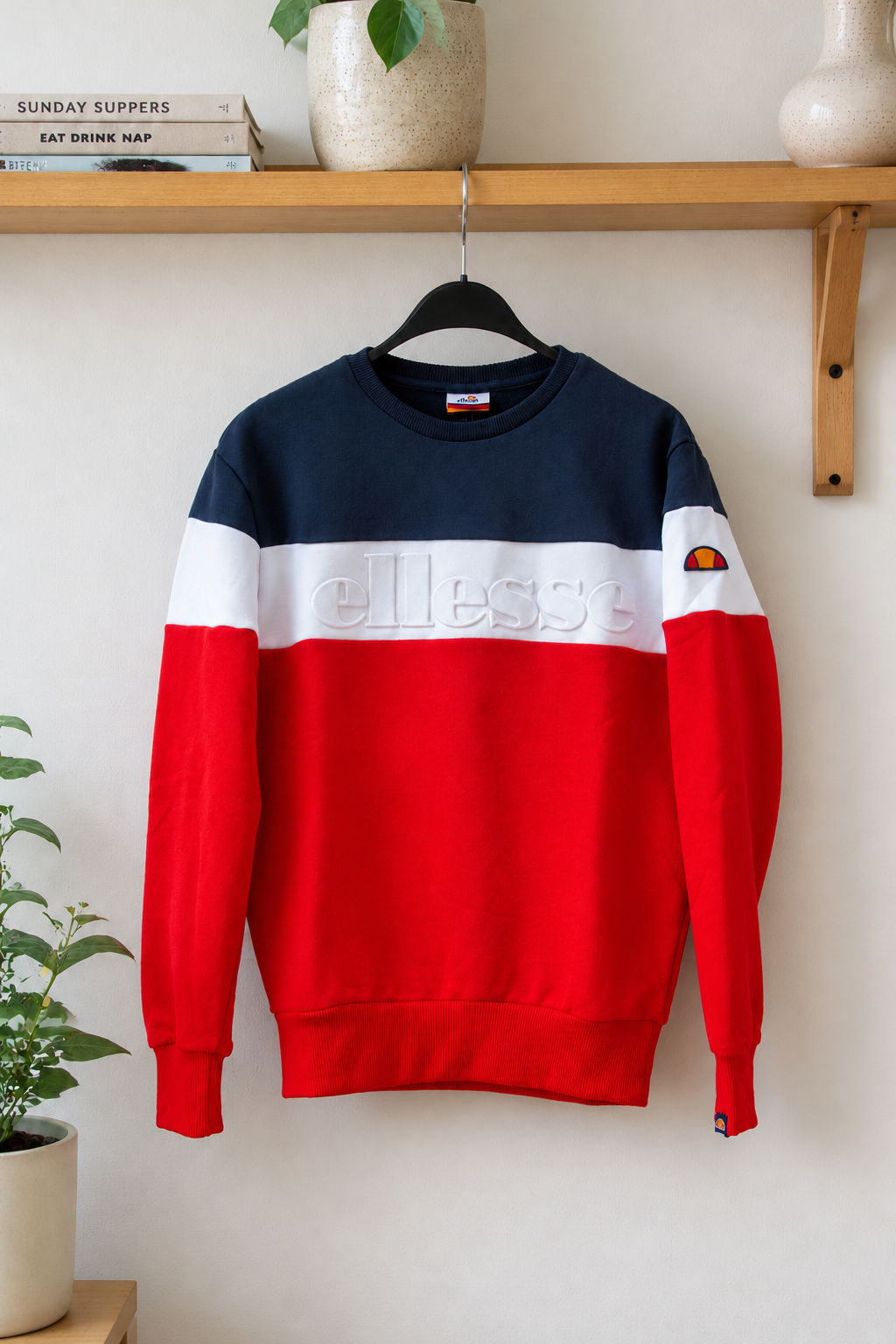
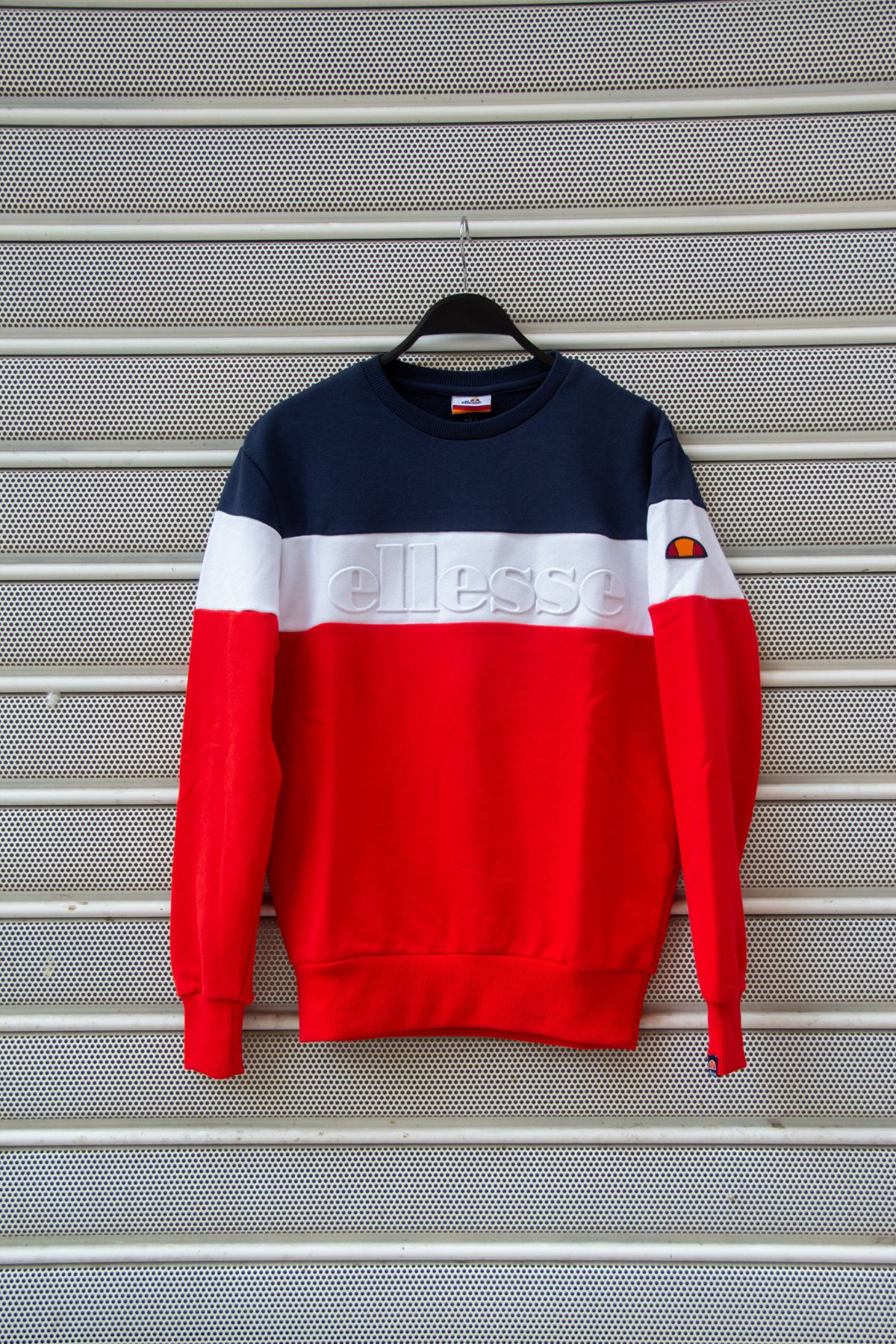
Drag the handle to compare the photos
Tools for preparing a listing, from the first image to the final description.
Give a clear photo a cleaner setting that keeps the item in focus.
Create a transparent PNG cutout and place it on a custom background.
Prepare up to five views of the same item and edit each one separately.
Get a draft description to review and make your own.
Find a starting range for your asking price. Open price guide
See details to inspect; a photo cannot confirm authenticity.
Start with a well-lit photo and choose a background in the studio. Compare the edited image with your original, check the details, then download it for your marketplace.
Open the studioUse the original retail price and condition to get a starting range for a Vinted listing. Compare it with similar items before you post.
Proposed monthly prices. Usage limits apply to confirmed accounts; checkout is not active yet.
Try photo enhancement, transparent background removal, comparison and PNG export. Use the price guide with retail and comparable asking prices. Account usage limits apply to confirmed accounts. Stripe checkout is not active yet.
For trying your first enhancement.
For the occasional seller.
For regular resellers.
Price estimates, listing drafts and inspection observations share one daily allowance: 1 for Free, 10 for Starter and 30 for Pro. Photo actions share the monthly allowance across enhancements, cutouts, backgrounds and model photos. Model photos are Pro-only. The manual price guide does not use live Vinted data, and photo observations cannot confirm authenticity. Stripe checkout is not active.
What to know about this preview and the tools we’re building.
Free includes one lifetime photo action and one AI listing analysis each day. The analysis includes a price range, listing draft and details to inspect; a photo cannot confirm authenticity.
Pro is planned at €19.99 per month with 150 monthly photo actions, a full background library, custom uploads and AI model photos. Model photos count against the shared photo allowance. Price estimates and listing notes share a 30-per-day limit.
No. Photo-based observations can highlight details to inspect but cannot confirm authenticity. Consult a qualified authenticator when certainty matters.
No. Listvint is an independent concept and is not affiliated with Vinted.
This is a preview. This is an owner-only test. Account plans and payments are not connected yet.